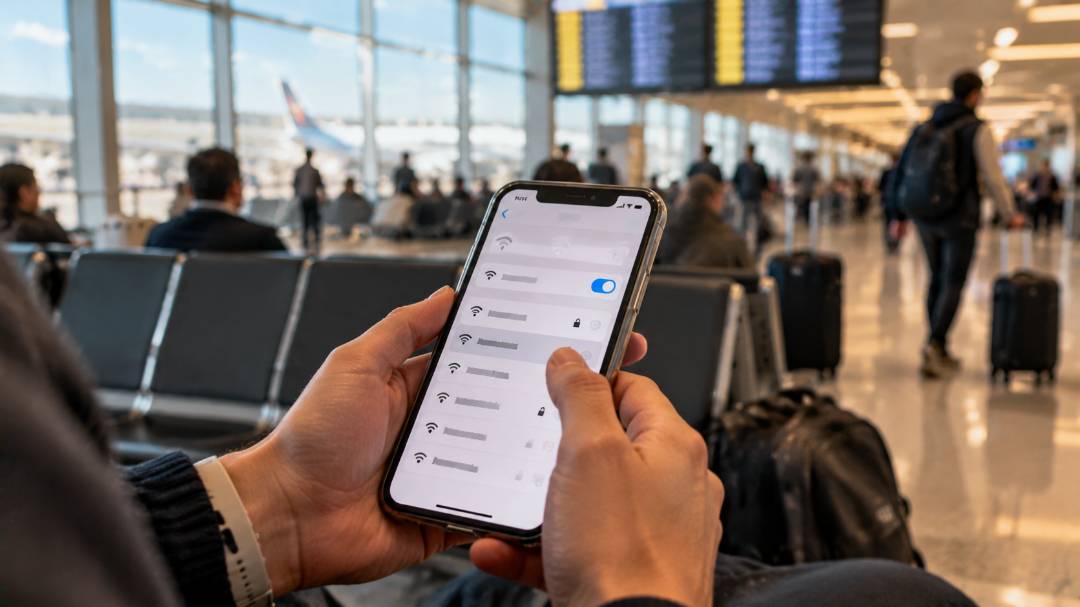

A long layover is easier to handle with a good connection. Free airport Wi-Fi lets travelers check gate changes, answer work emails, download a movie for the next flight or call home before boarding. The quality, however, varies enormously. Some hubs offer unlimited high-speed internet with one tap, while others limit sessions to a few hours, ask for a local phone number or deliver speeds too slow for a video call.
This guide looks at which airports have the fastest free Wi-Fi according to independent speed tests, how free Wi-Fi works at major hubs such as Singapore Changi, London Heathrow, Amsterdam Schiphol and Istanbul, how to connect when the login page refuses to load, how to stay safe on public networks and what alternatives make sense when the airport connection is not enough.

Which Airports Have the Fastest Free Wi-Fi
The most reliable public data on airport Wi-Fi speeds comes from Ookla, the company behind Speedtest. Its analysts measure free Wi-Fi networks provided by airports, and in some cases airport lounges, and rank them by median download speed. In the global airport Wi-Fi report for Q1 2024, seven of the nine airports with median Wi-Fi download speeds above 100 Mbps were in the United States.
San Francisco International led the ranking with 173.55 Mbps, followed by Newark Liberty at 166.51 Mbps, New York JFK at 151.59 Mbps, Phoenix Sky Harbor at 151.28 Mbps and Seattle-Tacoma at 137.31 Mbps. Paris Charles de Gaulle was the only European airport above 100 Mbps, with 107.13 Mbps. At the other end, Mexico City International recorded a median of just 5.11 Mbps, enough for messages but not for comfortable video calls.
A later Ookla study of 48 airports found that only three met the FCC broadband benchmark of 100 Mbps download and 20 Mbps upload on both Wi-Fi and mobile networks: Phoenix Sky Harbor, Hangzhou Xiaoshan in China and Toronto Pearson. San Francisco pushed close to 200 Mbps on Wi-Fi, while 21 airports met the benchmark on mobile and only 12 on Wi-Fi. No airport in Europe or Latin America reached the benchmark on either connection type. In practice, this means a phone’s mobile data is often faster than the free airport network, especially outside North America.
In the Gulf region and Türkiye, Ookla found that King Khalid International in Riyadh delivered the fastest public Wi-Fi, at over 86 Mbps, ahead of Hamad International in Doha and Dubai International. Istanbul Airport and Sabiha Gökçen lagged considerably on public Wi-Fi, although Istanbul topped 600 Mbps on mobile networks.
Free Wi-Fi at Major International Airports
Almost every large airport now offers free Wi-Fi, but the rules differ. The main questions are whether registration is required, whether the session has a time limit and whether a foreign phone number works for verification.
Asia and the Middle East
Singapore Changi makes connecting as simple as possible. The #WiFi@Changi network covers public and transit areas in all terminals, including departure and arrival halls, gate areas and shopping zones. No registration, payment or personal information is needed: travelers select the network, open a browser and tap “Connect Now.”
Istanbul Airport offers unlimited free internet through the iGA WiFi network, but access requires verification. Travelers can log in with a phone number and receive a password by SMS, or scan a passport or ID card at a kiosk in the terminal to get an access code, which helps when a foreign SIM card does not receive messages. Turkish Airlines passengers have another option: TK WiFi provides free unlimited internet at Istanbul Airport after logging in with Miles&Smiles details or flight information.
Hamad International in Doha supplements Wi-Fi with free internet kiosks and desks equipped with screens and keyboards. They are located throughout the terminal, including boarding gate areas, which is useful for quick tasks like checking a booking without a laptop.
Europe and North America
London Heathrow offers free Wi-Fi in every terminal through the Heathrow Wi-Fi network, with a short registration on the welcome page. At Amsterdam Schiphol, the Schiphol_Free_Wi-Fi network gives four hours of access, after which travelers can simply log in again and continue for free. Frankfurt Airport provides unlimited Wi-Fi around the clock from more than 300 access points with no registration, and travelers can choose between two free networks, Wi-Fi Free and Wi-Fi Free+.
At Paris Charles de Gaulle, the free WIFI-AIRPORT network is available in all terminals, boarding areas and baggage claim, and it redirects automatically to a welcome portal. In the United States, free Wi-Fi is standard at large airports, and the fastest connections measured by Ookla were at San Francisco, Newark and JFK. At SFO, the free network is called #SFO FREE WIFI.
| Airport | Free network | Limits and login | Worth knowing |
|---|---|---|---|
| Singapore Changi (SIN) | #WiFi@Changi | No registration, no personal data | Covers public and transit areas in all terminals |
| Istanbul (IST) | iGA WiFi, TK WiFi | Unlimited; SMS code or passport scan at a kiosk | TK WiFi for Turkish Airlines passengers |
| Doha Hamad (DOH) | Internet kiosks and desks | Free web browsing on airport terminals | Located across the terminal, including gate areas |
| London Heathrow (LHR) | Heathrow Wi-Fi | Short registration on the portal | Available in every terminal |
| Amsterdam Schiphol (AMS) | Schiphol_Free_Wi-Fi | 4 hours, then log in again for free | Free re-login without limits |
| Frankfurt (FRA) | Wi-Fi Free, Wi-Fi Free+ | Unlimited, no registration | More than 300 access points |
| Paris CDG | WIFI-AIRPORT | Welcome portal opens automatically | 107.13 Mbps median in Q1 2024 |
| San Francisco (SFO) | #SFO FREE WIFI | Free access | Fastest median speed in Ookla’s Q1 2024 ranking |
How to Connect When the Login Page Will Not Load
Most airport networks use a captive portal, a welcome page that appears after joining the network and asks to accept terms, enter an email or verify a phone number. When the page does not open, the connection seems to work but nothing loads. These steps usually solve the problem:
- Check the exact network name on airport signs or the official website before connecting, and avoid similar-looking networks.
- Open a browser and type the address of a simple website that does not use HTTPS, such as neverssl.com, so the airport system can redirect to its login page.
- Turn off any VPN or private DNS setting until the login is complete, then switch it back on.
- Select “Forget this network” in the device settings and join the network again to restart the login process.
- Try another browser or a private window if the portal page loads but the buttons do not work.
- On a laptop, disable proxy settings if the portal still does not appear, as Paris Aéroport recommends for its network.
- Move closer to gate seating areas, where access points are usually denser, if pages load only halfway.
Time limits are another common issue. When a session expires, the portal usually appears again, and logging in once more restores access. Modern phones also use a random device address for each network, which can make the airport treat the phone as a new device. Re-logging in is normally all it takes.
How to Stay Safe on Airport Wi-Fi
Free public Wi-Fi is convenient, but airports are exactly where criminals set up fake networks. In 2024, the Australian Federal Police investigated a man who created “evil twin” Wi-Fi networks with the same names as legitimate ones. According to the AFP, investigators found data from fraudulent free Wi-Fi pages used at airports in Perth, Melbourne and Adelaide and on domestic flights. The fake pages asked people to log in with an email or social media account, and the man was later sentenced to seven years and four months in prison.
A few simple habits reduce the risk significantly:
- Connect only to the network name published by the airport, and be suspicious of open networks with slightly different spelling.
- Avoid any login page that asks for a social media password or email password; real airport portals ask at most for an email address, phone number or flight details.
- Use a VPN or stick to websites and apps that use HTTPS for sensitive tasks, as Paris Aéroport advises its passengers.
- Postpone online banking and payments until a trusted connection is available.
- Turn off automatic connection to open networks and file sharing, and forget the airport network after the trip.
Alternatives When Airport Wi-Fi Is Slow
Ookla’s data shows that mobile networks are often faster than airport Wi-Fi, so the simplest alternative is a phone’s own data plan. Inside the European Union, Norway, Iceland and Liechtenstein, EU mobile plans work without extra roaming charges, while outside these areas roaming can be expensive, and Paris Aéroport advises travelers from abroad to switch off mobile data to avoid high fees. A travel eSIM with a local data package is usually cheaper than roaming and works from the moment of landing.
Airport lounges sometimes offer a faster connection, but not always. In the Gulf and Türkiye, Ookla found that the fastest lounges at Istanbul and Dubai delivered roughly 5 times and 2 times the download speeds of public airport Wi-Fi, while at other airports the gain was modest. Performance also varied between lounges in the same airport, so paying for lounge access only for the internet is rarely worth it.
Some airlines offer free in-flight Wi-Fi, but most sell packages, and the connection in the air remains slower and less stable than on the ground. Large files, system updates and offline maps are best downloaded before boarding, while the airport connection is still available.
Making the Most of a Long Layover
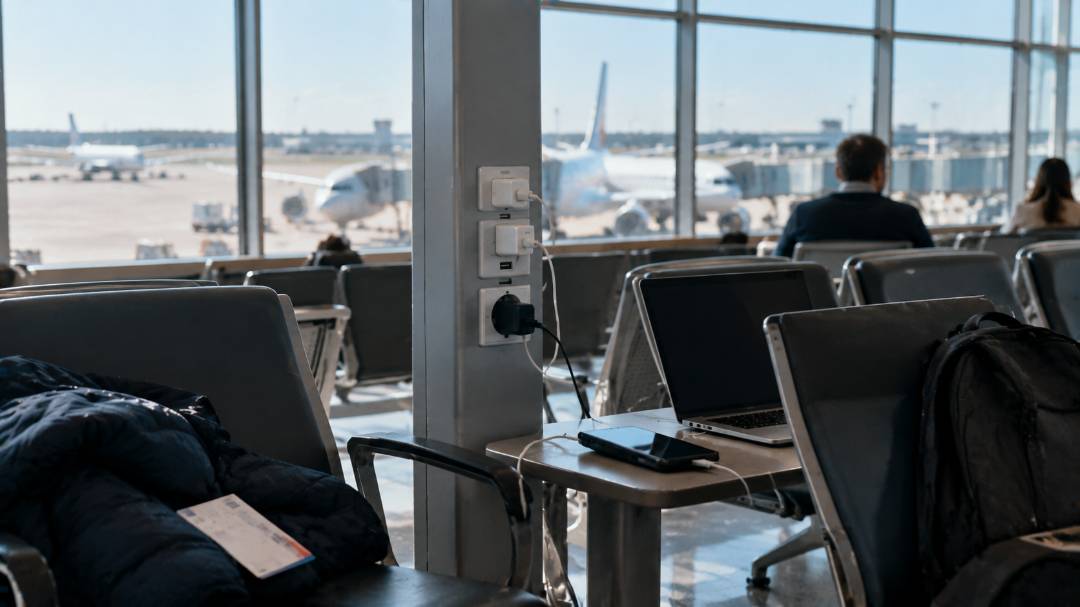
A good connection is only part of a comfortable layover. Paris Charles de Gaulle has free secure charging lockers called ChargeBox in the departure lounges of Terminal 1, Terminal 2D, Terminal 2E (Halls L and M) and Terminal 3, where devices can charge while travelers walk around. Many other hubs have charging points near gate seating, so it pays to choose a seat with a socket before settling in for a long work session.
When the layover lasts six hours or more and the entry rules allow it, leaving the airport can be better than working at the gate. A few hours in central London from Heathrow, in Amsterdam from Schiphol or in Paris from Charles de Gaulle turn waiting time into a short city break, with free Wi-Fi in many cafes and public spaces. The main obstacle is usually luggage that cannot be checked through. The luggage storage service Qeepl helps find a verified spot near airports, stations and city centers from US$3.50 per bag per day, so the city can be explored without a suitcase. On the way back, the airport Wi-Fi or a phone’s mobile data is enough to check the flight status and the gate before security.